Have you ever checked your bank statement and felt your heart skip a beat? You scan the list of coffee shops and grocery runs, and suddenly, you spot something weird. It says Google WM Max LLC.
You stare at it. You scratch your head. You ask yourself, What on earth did I buy?
Panic starts to set in. Did someone steal your credit card? Did you accidentally sign up for something expensive while you were half-asleep scrolling on your phone?
Take a deep breath. You are not alone. Thousands of people see this confusing name pop up on their statements every month. The good news is that there is usually a very simple explanation for it. It doesn’t always mean the bad guys have your wallet.
In this guide, we’ll play detective. We will uncover exactly what this charge is, why it’s sitting there on your bill, and most importantly, what you can do about it. Let’s solve this mystery together!
What is Google WM Max LLC?
Let’s start with the basics. What does that jumble of letters actually mean? It looks like a secret code, doesn’t it?
The Google part is easy. It means the purchase was made through the Google Play Store. Think of Google Play as a giant digital shopping mall where you buy apps, games, movies, and subscriptions on your Android phone or tablet.
Now, let’s crack the WM Max LLC part.
- WM stands for WarnerMedia. This is a huge company that owns lots of entertainment stuff.
- Max stands for HBO Max. This is a popular streaming service where you watch shows like Friends, Harry Potter, or superhero movies.
- LLC just means Limited Liability Company, which is business-speak for a registered company.
So, when you put it all together, Google WM Max LLC is just a fancy, confusing way of saying HBO Max subscription bought through Google.
It’s like if you bought a toy from a store called Toys R Us, but your receipt said Geoffrey the Giraffe’s Holdings LLC. It’s the same thing, just with a much more boring and scary-sounding name.
Why Does This Charge Appear on My Statement?
Now that we know what the name means, why is it showing up on your bill? There are usually two main reasons.
1. You Have an Active HBO Max Subscription
This is the most common reason. Maybe you signed up for HBO Max a while ago to watch a specific movie and forgot about it. Or perhaps you signed up for a free trial, and that trial has now turned into a paid subscription.
When you sign up for HBO Max using the app on your Android phone or tablet, Google handles the money part. They collect the cash from you and pass it on to HBO. That is why the HBO Max charge shows up with Google in the name. It’s a Google Play charge because Google is the middleman.
2. A Family Member Subscribed
Do you share your devices with anyone? Maybe your kids, your partner, or a sibling uses your tablet? It is very easy for little fingers to accidentally tap Subscribe on a fun-looking app.
If someone in your house loves watching cartoons or movies, they might have started an HBO Max subscription without realizing it costs money. Since your card is linked to the Google Play Store, the bill comes to you.
3. The Free Trial Trap
We have all been there. You see a shiny button that says Start Free Trial. You think, Awesome! I’ll watch this one show and cancel before the week is up.
But then life happens. You get busy with school, work, or hanging out with friends. The week passes, and boom! The free trial ends, and the automatic payments begin. If you see a Google WM Max LLC charge, it might be the ghost of a free trial you forgot to cancel.
4. Unauthorized Charges (The Scary Part)
Okay, let’s talk about the option nobody likes. Sometimes, this charge appears, and you truly didn’t buy anything. You don’t even have the HBO Max app!
In this case, it could be an unauthorized charge. This means someone who isn’t you—maybe a stranger who got your card details—has used your information to buy a subscription. While this is scary, don’t worry. We will talk about exactly how to fix this in just a minute.
How to Verify if the Charge is Legitimate?
Before you call the bank and scream Fraud!, let’s do a little bit of homework. We need to check if this charge is actually yours. Here is a simple checklist to help you figure it out.
Step 1: Check Your Google Play Account
Since the charge says Google, your Google account is the best place to start looking.
- Grab your phone or go to a computer.
- Go to the website payments.google.com.
- Log in with your Google email address.
- Look for a tab that says Activity or Subscriptions.
Scroll through the list. Do you see HBO Max there? If you do, mystery solved! You (or someone with your password) definitely signed up for it.
Step 2: Ask Your Family
This is the Kitchen Table Investigation. If you share your account or devices with family, ask them gently.
Hey, did anyone sign up for HBO Max to watch the new superhero movie?
You might be surprised. Often, a partner or a child simply didn’t realize that clicking Watch Now would charge your card.
Step 3: Check Your Emails
Go to your email inbox and search for keywords like HBO Max, WarnerMedia, or Google Play Receipt. Whenever you buy something through Google, they usually send a receipt to your email. Finding this email can confirm when the subscription started.
What to Do if the Charge Is Unauthorized?
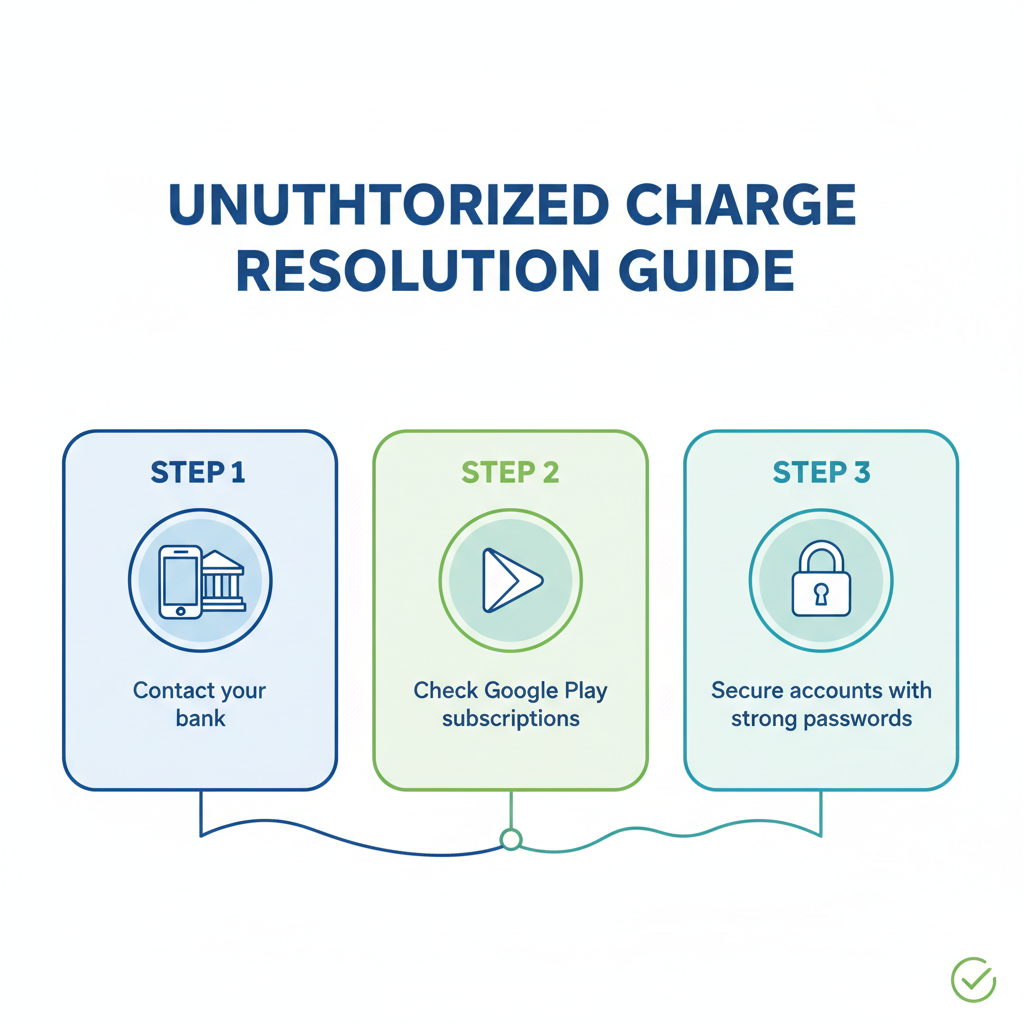
Okay, you’ve checked your Google account. You’ve asked your family. You’ve searched your emails. And… nothing. You definitely did not buy this.
If that’s the case, you are dealing with an unauthorized charge. Here is your battle plan to get your money back and stop it from happening again.
1. Report It to Google
Since the charge came from Google, tell them first. They have a special form for reporting charges you didn’t make.
- Go to Google’s Report Unauthorized Charges page.
- Fill in the details about the Google WM Max LLC charge.
- They will investigate and usually get back to you within a few days.
2. Contact Your Bank
Call the phone number on the back of your credit or debit card. Tell the friendly person on the phone, I see a charge I didn’t make.
- They can block your card so no more money can be taken.
- They will issue you a new card with new numbers.
- They can often start a “dispute” to get your money refunded.
3. Change Your Passwords
If someone used your Google account to buy this, they have your password! You need to lock the door.
- Change your Google password immediately. Make it something hard to guess—not “password123” or your dog’s name!
- Turn on 2-Step Verification. This makes it so that even if someone has your password, they need a code from your phone to get in.
How to Cancel HBO Max Subscriptions?
If you realized, Oops, I did sign up for this, but I don’t want it anymore, you need to cancel it fast so you don’t get charged next month.
Canceling can be tricky because it depends on how you signed up. Here is how to handle subscription management depending on where you bought it.
Through Google Play (Most Likely)
Since the charge says Google, this is the most likely method.
- Open the Google Play Store app on your phone.
- Tap your profile picture in the top right corner.
- Tap Payments & subscriptions.
- Tap Subscriptions.
- Find HBO Max in the list.
- Tap it and select Cancel subscription.
Follow the instructions on the screen. Google might ask why you are leaving, but you can just click through. Once it says Canceled, you are safe!
Through the HBO Max Website
Sometimes, billing gets weird. If you don’t see it in Google Play, try the HBO website.
- Go to HBOMax.com and log in.
- Click on your profile icon (usually in the top corner).
- Click Subscription.
- Look for a button that says Manage Subscription.
- Follow the steps to cancel.
Through Other Providers (Roku, Amazon, Apple)
Wait, what if the charge isn’t Google? Sometimes people get confused. If your charge looks different, you might have bought it through Amazon, Roku, or Apple. You will have to go to those specific websites to cancel. But since our mystery charge is specifically Google WM Max LLC, the Google Play method is your best bet!
Tips to Prevent Future Unauthorized Charges
Dealing with mystery bank charges is stressful. Let’s make sure you never have to do this again. Here are three super simple tips to keep your wallet safe.
1. Turn on Authentication for Purchases
This is a fancy way of saying, Make my phone ask for a password before it spends money.
- Go to the Google Play Store settings.
- Look for Authentication or Require authentication for purchases.
- Set it to For all purchases through Google Play on this device.
Now, if a kid (or your sleepy self) tries to buy something, the phone will pop up and ask for your password or fingerprint. No password? No purchase!
2. Set Up Account Alerts
Most banking apps allow you to set up notifications. You can tell your bank, Text me every time money leaves my account.
This way, if a strange charge pops up, you know instantly. You won’t be surprised three weeks later when you finally check your statement.
3. Use a “Burner” Card for Trials
Do you love free trials but hate getting charged when you forget to cancel? There are services that let you create virtual credit cards. You can set a limit on them (like $1) or set them to delete automatically after one use.
Use these cards for signing up for free trials. When the trial ends, and the company tries to charge you, the card won’t work, and your real bank account stays safe!
Frequently Asked Questions (FAQs)
We know you still might have a few questions buzzing around. Here are the answers to the things people ask the most.
Q: Can I get a refund for unauthorized charges?
A: Yes, usually! If you report it to Google within 48 hours, they are very good about giving refunds. If it’s been longer, you might have to ask the app developer (HBO) or your bank. It’s not guaranteed, but it’s definitely worth asking.
Q: How do I know if my subscription is billed through Google Play or another provider?
A: The name on your bank statement tells the secret.
- If it says Google WM Max LLC or GOOGLE *HBO, it’s through Google Play.
- If it says ROKU, it’s through Roku.
- If it says APPLE.COM/BILL, it’s through Apple.
- If it just says HBO MAX or WARNERMEDIA, you probably bought it directly from their website.
Q: Will canceling the subscription stop the charge immediately?
A: Canceling stops future charges. It does not automatically give you your money back for the current month. Usually, you can still watch movies until the month you already paid for is over.
Lesser-Known Facts About Google WM Max LLC Charges
Here are a few secret nuggets of information that most people don’t know.
1. The Name Changes
Companies change names all the time. WarnerMedia (the WM part) has merged with other companies like Discovery. Sometimes, billing names take a long time to update. Don’t be surprised if, in the future, this charge changes its name again to something like Warner Bros Discovery or just Max. Keeping an eye on business news helps you spot these changes!
2. Bundles Can Be Confusing
Sometimes you buy a bundle like getting Hulu, Disney+, and Max all together. If you buy a bundle through the Google Play Store, the charge might still look confusing. It might not list every single service. If the price is higher than a normal Max subscription, check if you accidentally bought a bundle!
3. It’s Not Just Subscriptions
Did you know you can rent individual movies on Google Play? While usually listed differently, sometimes charges from the same parent company can look similar. Always check the exact amount. A subscription is usually a round number like $9.99 or $15.99. A rental might be $3.99. The price is a big clue!
Conclusion
Phew! We made it. We’ve cracked the code of the Google WM Max LLC mystery.
Let’s recap what we learned:
- This charge is just a scary name for an HBO Max subscription paid through Google.
- It usually happens because of a forgotten free trial or a family member signing up.
- You can easily check your Google Play account to confirm it.
- If you didn’t buy it, you can report it to Google and your bank to get your money back.
- Turning on password protection for purchases stops this from happening again.
Money stuff can be scary, especially when it involves confusing names and surprise charges. But now you are armed with knowledge! You know exactly what to do.
So, go
