Picture this: You grab your phone, maybe munching on a bowl of cereal, and decide to quickly check your bank account app. Everything looks normal… until you spot something strange. Right there, in the middle of your usual transactions, is a jumble of letters you don’t recognize. It reads ACHMA VISB BILL PYMNT.
Your heart skips a beat. Your palms might get a little sweaty. What is this? You ask yourself. Did I buy this? Did someone hack my account? Is my money safe?
Take a deep breath. You are not alone in this panic. Thousands of people see this exact same code on their bank statements every month and feel that same spark of fear. It appears to be a secret code or a mistake, and it certainly doesn’t resemble the name of a store you visited.
Here is the good news: this charge usually isn’t a hacker trying to steal your money. It’s actually a lot simpler (and safer) than it looks. In this guide, we’ll play detective and solve the mystery of this charge together. We will uncover exactly what it means, why it has such a funny name, and how you can make sure your money is exactly where it’s supposed to be.
What is ACHMA VISB BILL PYMNT?
Let’s break down this confusing line of text. It might look like gibberish, but each part actually means something. Think of it like a secret code used by banks and companies.
- ACH: This stands for Automated Clearing House. This is simply a network that banks use to move money between accounts electronically. Whenever you get a direct deposit from your job or pay a bill online directly from your bank account, the ACH network is what makes it happen. It’s a super common and secure way to transfer funds.
- MA: This part is a bit trickier, as its meaning can change. Sometimes, it might refer to a payment made through a Mobile App. Other times, it’s just an internal code the company uses.
- VISB: This is the most important clue. VISB is often short for “Visible,” which is a phone service provider. And who owns Visible? The big one: Verizon Wireless.
- BILL PYMNT: This one is the easiest! It’s just a shortened way of saying “Bill Payment.”
So, when you put all the pieces together, the ACHMA VISB BILL PYMNT charge is almost always a bill payment you made to Verizon Wireless (or its brand, Visible) using an electronic transfer from your bank account. It’s not from a mysterious company or a sneaky scammer; it’s just your phone bill.
Why Does It Appear on Your Statement?
Now you might be thinking, Okay, but why can’t it just say ‘Verizon Wireless’? That’s a great question, and the answer is a little frustrating. The way a charge appears on your bank statement depends on two things: how the company (in this case, Verizon) decides to label its transactions and how you choose to pay.
There are a few common reasons why you might see this confusing label instead of a clear company name:
- You Paid Directly From Your Bank Account: When you pay a bill using your credit or debit card, the transaction description is often very clear. It might even include a phone number. However, when you authorize a company to take money directly from your checking account (using your account and routing numbers), the description comes through the ACH network, which has different, older formatting rules. This often results in shortened, coded descriptions like the one you saw.
- You Set Up Autopay: If you signed up for automatic payments with Verizon to save a few dollars on your bill, you likely permitted them to pull the funds from your bank account each month. This is a classic scenario for seeing the ACHMA VISB label.
- You Made a One-Time Online Payment: Maybe you didn’t use autopay, but you logged into the Verizon website or app and paid your bill using your bank information instead of a card. This also counts as an electronic ACH payment and will probably show up with the same strange description.
Essentially, Verizon has set up its system to use this specific code for bank draft payments. While it’s confusing for customers, it’s a legitimate transaction. They have 21 characters to tell you who they are and, for some reason, choose to use this jumble of letters instead of their own name.
Is ACHMA VISB BILL PYMNT a Scam or Legitimate?
The feeling of seeing an unknown charge is scary. Your mind immediately jumps to the worst-case scenario: fraud. While it’s always smart to be cautious, the overwhelming majority of the time, this specific charge is completely legitimate.
Think back over the last few weeks. Did you pay your Verizon or Visible phone bill? Did the amount of the charge match your monthly bill? If the answer is yes, you can relax. It’s almost certainly your phone bill payment.
However, you should never ignore a feeling that something is wrong. Scammers are clever, and they can sometimes disguise fraudulent charges to look like real ones. Here are a few red flags to watch for:
- The Amount is Wrong: If the charge amount is different from your usual phone bill, pay close attention. It could be a mistake, or it could be a sign of something else.
- You Don’t Have Verizon or Visible: This is the biggest red flag. If you are not a Verizon or Visible customer, you should not see this charge. This is a situation where you need to take immediate action.
- There Are Multiple Charges: Did you get charged more than once in a month? Unless you made multiple payments, this is a sign that something is off.
If you’ve reviewed your recent payments and are sure the charge is legitimate, you can rest easy. But if you have any doubt at all, it’s always better to investigate.
How to Verify ACHMA VISB BILL PYMNT Charges
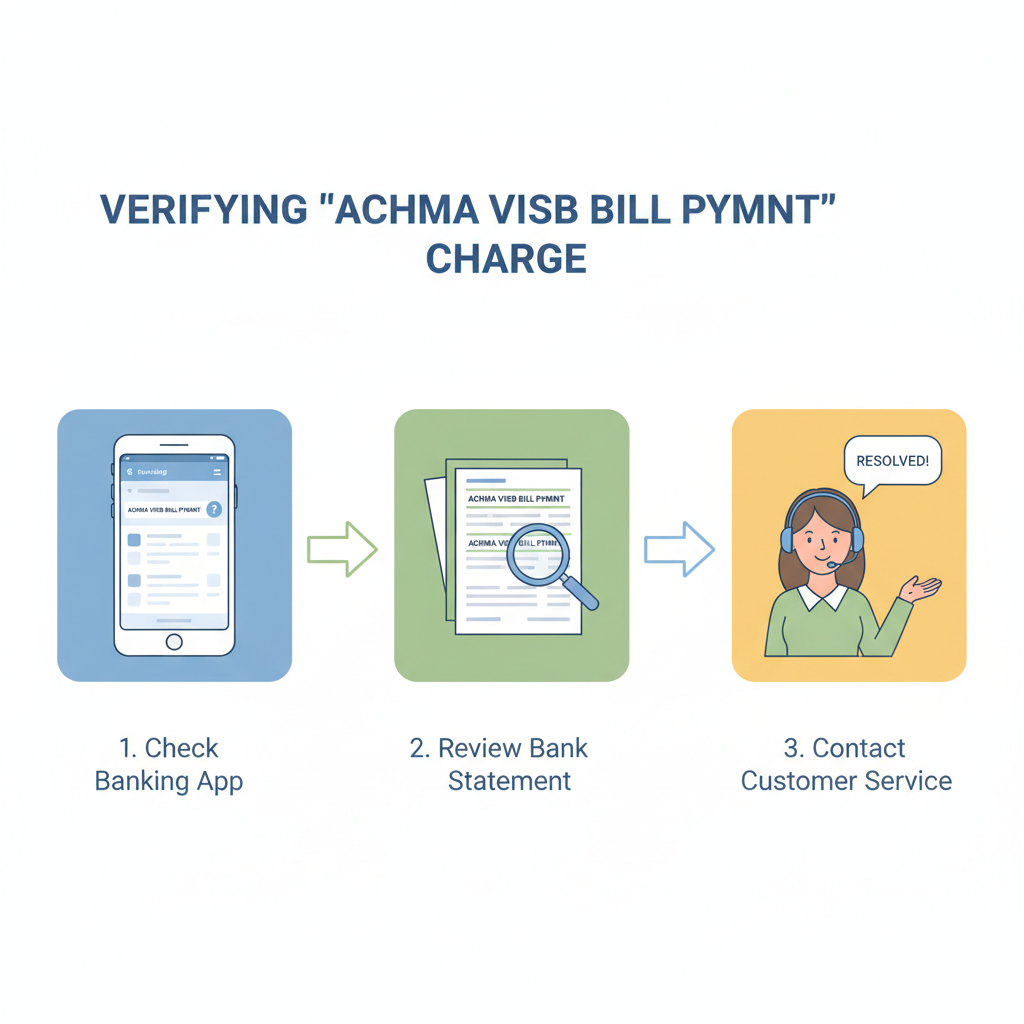
Feeling 100% certain about a transaction is the best way to have peace of mind. If you’re still a little unsure about the ACHMA VISB BILL PYMNT charge, here is a simple, step-by-step guide to confirm that everything is okay.
Step 1: Check Your Verizon Account
The quickest way to solve this mystery is to go directly to the source.
- Log in to your Verizon Wireless or Visible account online or through their mobile app.
- Navigate to your billing or payment history section.
- Look for a recent payment that matches the exact amount and date of the charge on your bank statement.
If you find a matching payment in your Verizon history, you’ve confirmed it! The charge is legitimate. You can mentally check it off and move on with your day.
Step 2: Contact Your Bank
If you can’t find a matching payment or you don’t have a Verizon account, your next call should be to your bank.
- Call the customer service number on the back of your debit card.
- Tell them you have a question about a recent transaction. Provide the date, amount, and the description: ACHMA VISB BILL PYMNT.
- Ask them if they can provide any more details about the merchant who initiated the charge.
Sometimes, the bank may have more information on its end that isn’t visible on your statement. They can help you trace where the payment request came from.
Step 3: Contact Verizon Wireless
If you are a Verizon customer but still can’t match the payment, it’s time to talk to them directly.
- Call Verizon’s customer service line.
- Explain that you have a charge on your bank statement you’d like to verify.
- Give them the date and amount. They should be able to check their records and confirm if they received a payment from you on that day.
By following these three simple steps, you can quickly move from a state of worry to a feeling of control and certainty.
What Should You Do If You Don’t Recognize the Charge?
Let’s say you’ve done your detective work and confirmed the worst: you are not a Verizon customer, or the charge amount is definitely wrong. This is when you need to act fast to protect your account. Don’t panic, just follow these clear steps.
Step 1: Contact Your Bank Immediately
Your bank is your first line of defense against fraud.
- Call their fraud department. Most banks have a dedicated 24/7 hotline for this.
- Tell them you have an unauthorized transaction on your account.
- They will likely freeze the transaction and may recommend temporarily suspending your debit card to prevent any further fraudulent charges.
Step 2: Dispute the Charge
The bank will guide you through the process of formally disputing the charge. This is how you officially state that you did not authorize the payment.
- You may need to fill out a form or sign an affidavit.
- The bank will then launch an investigation. They will contact the merchant’s bank to get details about the transaction.
- While the investigation is underway, the bank will typically issue a provisional credit to your account for the disputed amount. This means you get your money back right away.
Step 3: Secure Your Account
If your account was compromised, it’s important to take steps to secure it for the future.
- Change your online banking password. Make it strong and unique.
- Consider setting up transaction alerts with your bank. This way, you’ll get a text or email every time a purchase is made, so you can spot fraud instantly.
- Monitor your account closely for the next few weeks to ensure no other strange charges appear.
Dealing with an unauthorized charge is stressful, but banks handle these situations every day. By acting quickly and following their instructions, you can resolve the issue and protect your finances.
Common Mistakes to Avoid When Handling Unfamiliar Charges
When you see a charge you don’t recognize, it’s easy to make a knee-jerk reaction. However, some common responses can actually make the situation worse. Here are a few mistakes to avoid.
- Panicking and Closing Your Account: Your first instinct might be to rush to the bank and close your account entirely. While this seems like a safe bet, it can create a huge headache. All your automatic payments and direct deposits will fail, and you’ll have to set everything up again. Unless your banker specifically advises you to close the account, it’s better to just dispute the single charge and get a new debit card number.
- Ignoring the Charge: Some people might see a small, strange charge and decide it’s not worth the hassle to investigate. This is a big mistake. Scammers often start with a very small charge (a dollar or two) to see if the card number is active. If it goes through unnoticed, they will follow it up with much larger fraudulent purchases. Always investigate every single charge you don’t recognize, no matter how small.
- Waiting Too Long to Report It: Banks have time limits for reporting fraudulent charges. For unauthorized ACH transfers, you typically have 60 days from the statement date to report them. If you wait longer than that, you could lose your right to get your money back. The sooner you report a problem, the better.
By avoiding these common pitfalls, you can handle the situation calmly and effectively, ensuring you get your money back without creating more problems for yourself.
How to Prevent Future Confusion with Bank Statements
Wouldn’t it be great if you never had to feel that jolt of panic again? While you can’t control how companies label their charges, you can take steps to make your bank statements easier to understand and monitor.
- Use Your Credit Card for Online Payments: Whenever possible, use a credit card for online bill payments instead of your bank account. Credit cards offer stronger fraud protection, and their transaction descriptions are usually much clearer. You’re also disputing the credit card company’s money, not your own, which can make the process less stressful.
- Set Up Transaction Alerts: As mentioned before, this is one of the most powerful tools you have. Set up alerts for all transactions, or at least for purchases over a certain amount (like one dollar). This turns your phone into a personal fraud detector.
- Review Your Statement Regularly: Don’t wait until the end of the month to check your account. Log in to your banking app every few days for a quick review. It only takes a minute, and you’ll be able to spot a problem almost as soon as it happens.
- Keep a Record of Autopayments: Make a list of all the companies you have authorized for automatic payments and the dates they are scheduled to withdraw funds. This way, when you see a payment come through, you can quickly check it against your list.
A little bit of organization and a few smart habits can go a long way in preventing future confusion and keeping your financial life stress-free.
FAQs
Q: What if I don’t use Verizon Wireless but see this charge?
A: If you are 100% certain you do not have any service with Verizon or Visible, you should treat the charge as fraudulent. Contact your bank immediately to report it as an unauthorized transaction and begin the dispute process.
Q: Can ACHMA VISB BILL PYMNT appear for other companies?
A: While this specific code is overwhelmingly associated with Verizon Wireless, the ACH prefix is used for any electronic bank transfer. You may see similar-looking codes for other bills you pay online. The key is to look for clues within the jumble of letters, like “VISB” for Visible/Verizon.
Q: How long does it take to resolve disputes?
A: Bank investigations into fraudulent charges typically take around 10 business days. However, complex cases can take longer. The good news is that you will usually receive a provisional credit for the amount within a day or two, so you aren’t out the money while you wait.
Conclusion
The mystery of the ACHMA VISB BILL PYMNT charge is, for most people, a simple case of confusing corporate bookkeeping. It’s a prime example of how a lack of clarity can cause unnecessary fear and stress. What looks like a terrifying hack is usually just your friendly neighborhood phone company taking your monthly payment in a very roundabout way.
By staying vigilant, knowing what to look for, and acting quickly when something seems off, you can take control of your financial security. Don’t be afraid to question your bank statement. It’s your money, and you have every right to know exactly where it’s going. So the next time you see a strange charge, you’ll know just what to do: take a breath, put on your detective hat, and solve the puzzle.
